Doctor Assistant
Works fully offline

Clinic software that doesn't
need the internet to work.

Doctor Assistant runs on your own Windows PC — patients, prescriptions, and printable Rx, all without a single dropped connection slowing down your day. Built simple, on purpose, for doctors who just want to see patients.

Runs entirely offline

No internet, no problem. Every patient record, note, and prescription lives on your own machine and just works — sync happens quietly when you're back online.

Prescriptions that print clean

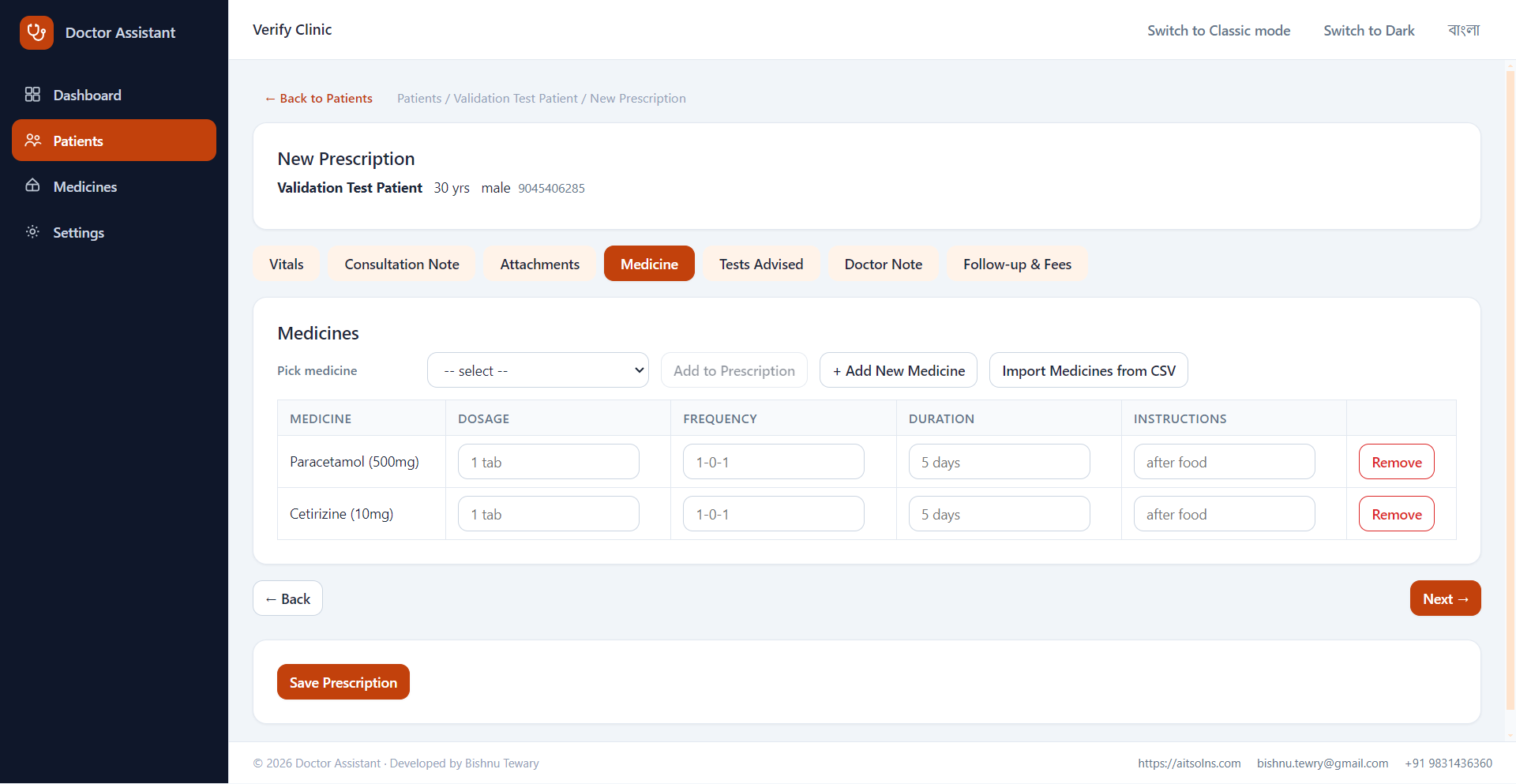
Structured medicines, dosage, and instructions — laid out on a proper A4 prescription with your clinic letterhead, ready to hand to the patient.

Built for family clinics

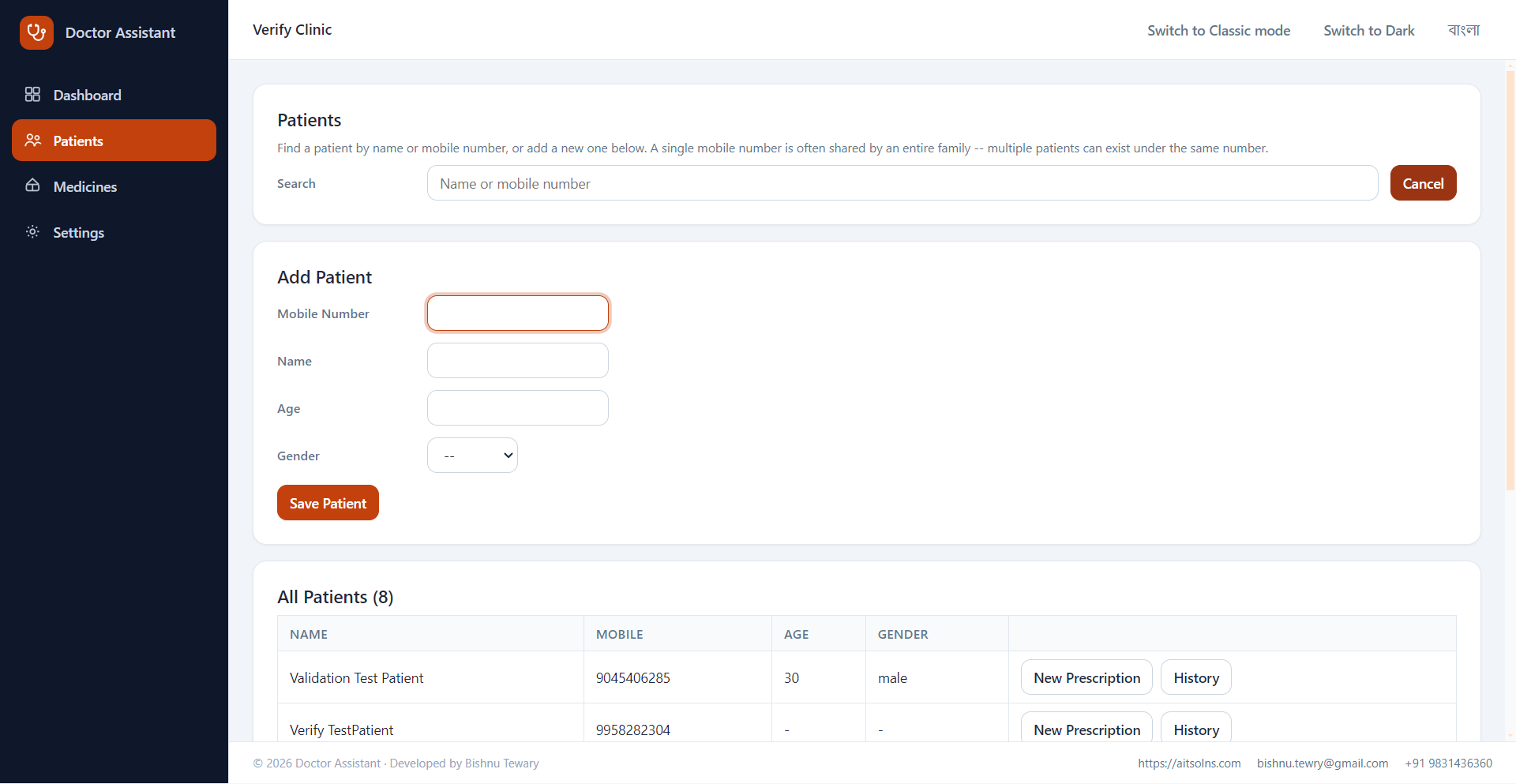
One phone number, many patients under it — the way households actually share a line in real practice, not the way most software assumes they do.

No training required

Plain, large, uncluttered screens designed for doctors who'd rather see one more patient than fight with software. No multi-step wizards, no clutter.

See it before you install it

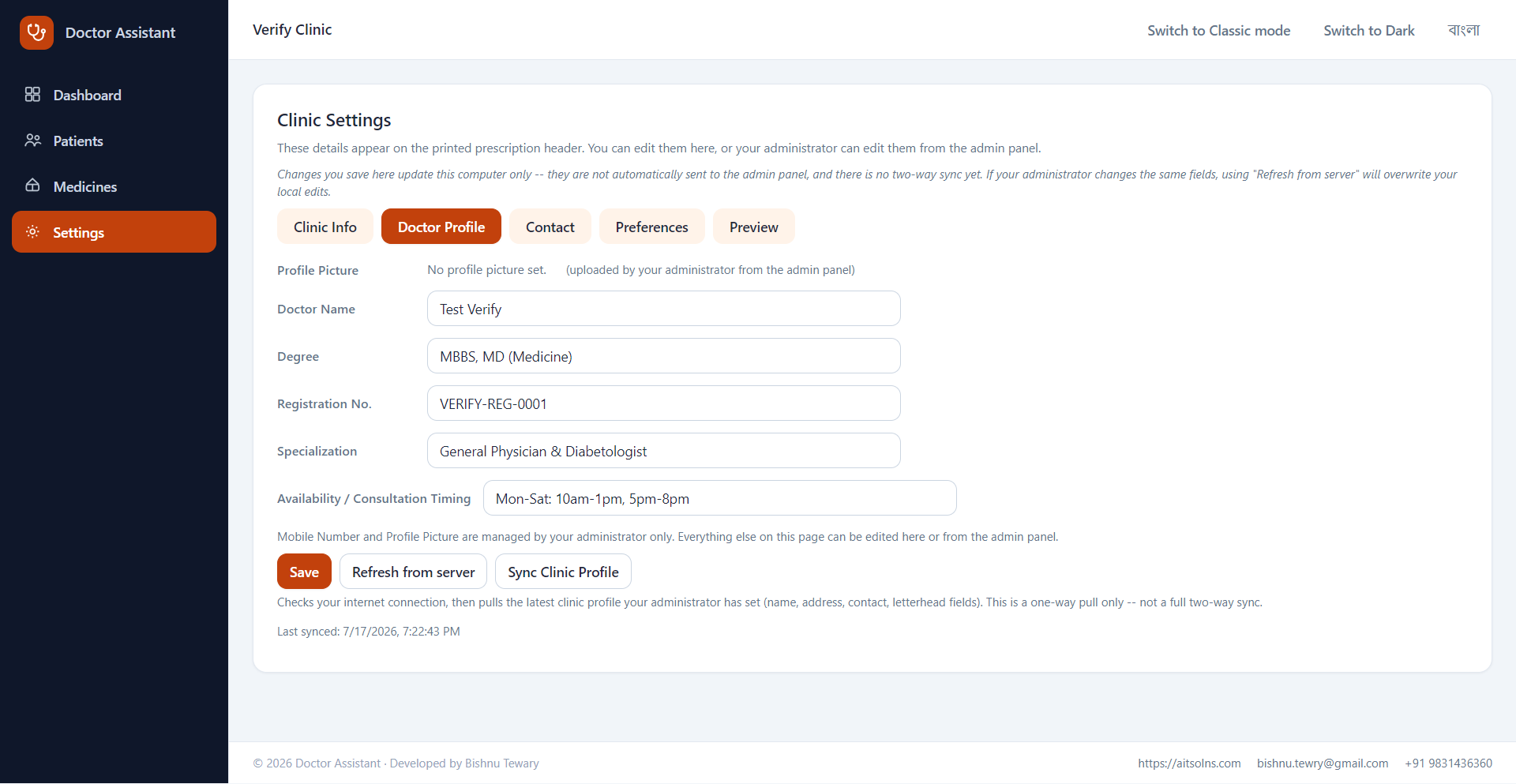
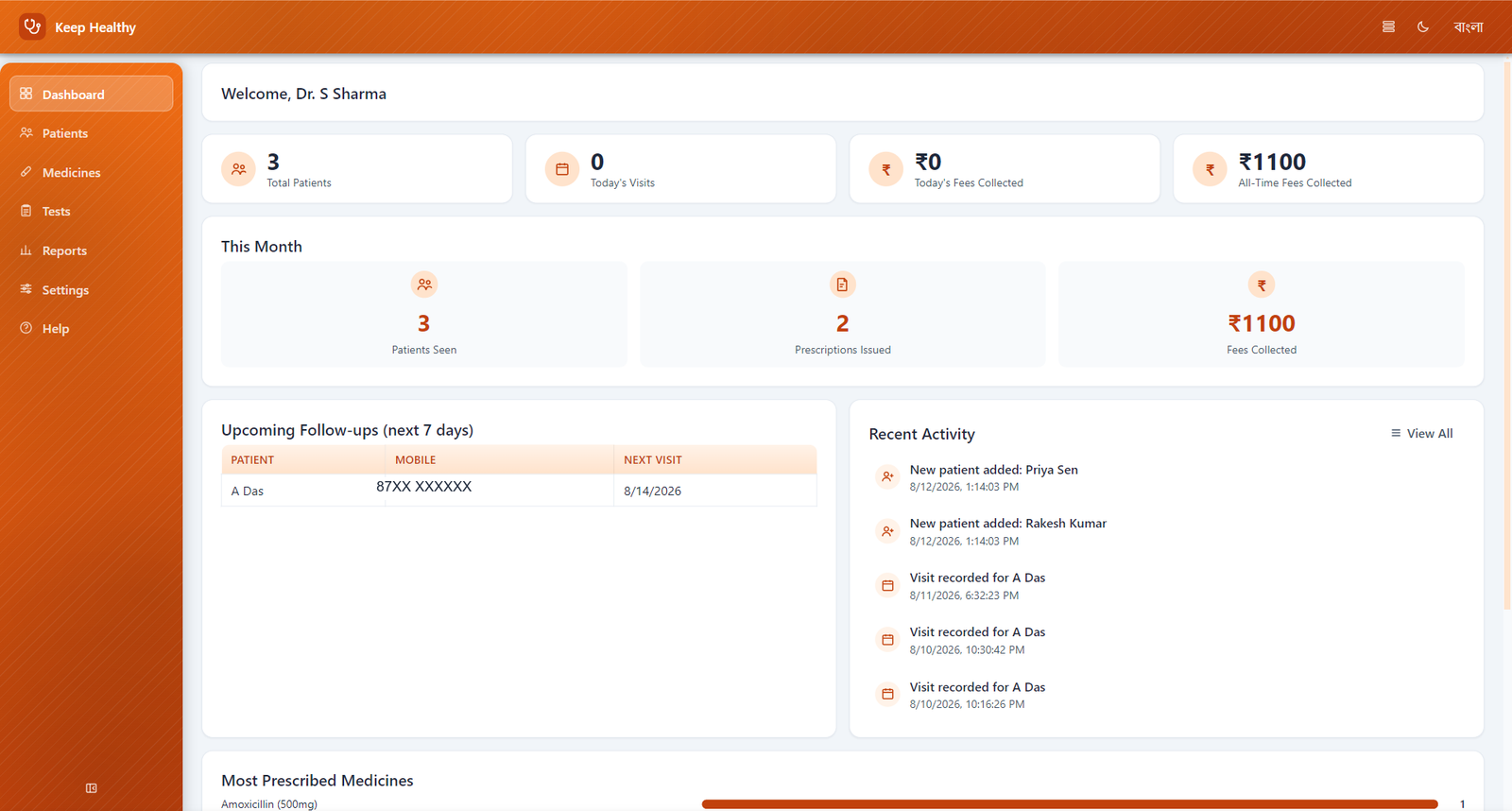
Real screens from the app — shown with sample/placeholder data, not a mockup.

Doctor Assistant dashboard showing patient count, today's visits, and fees collected
Dashboard. Today's visits, fees, and upcoming follow-ups at a glance when you open the app.
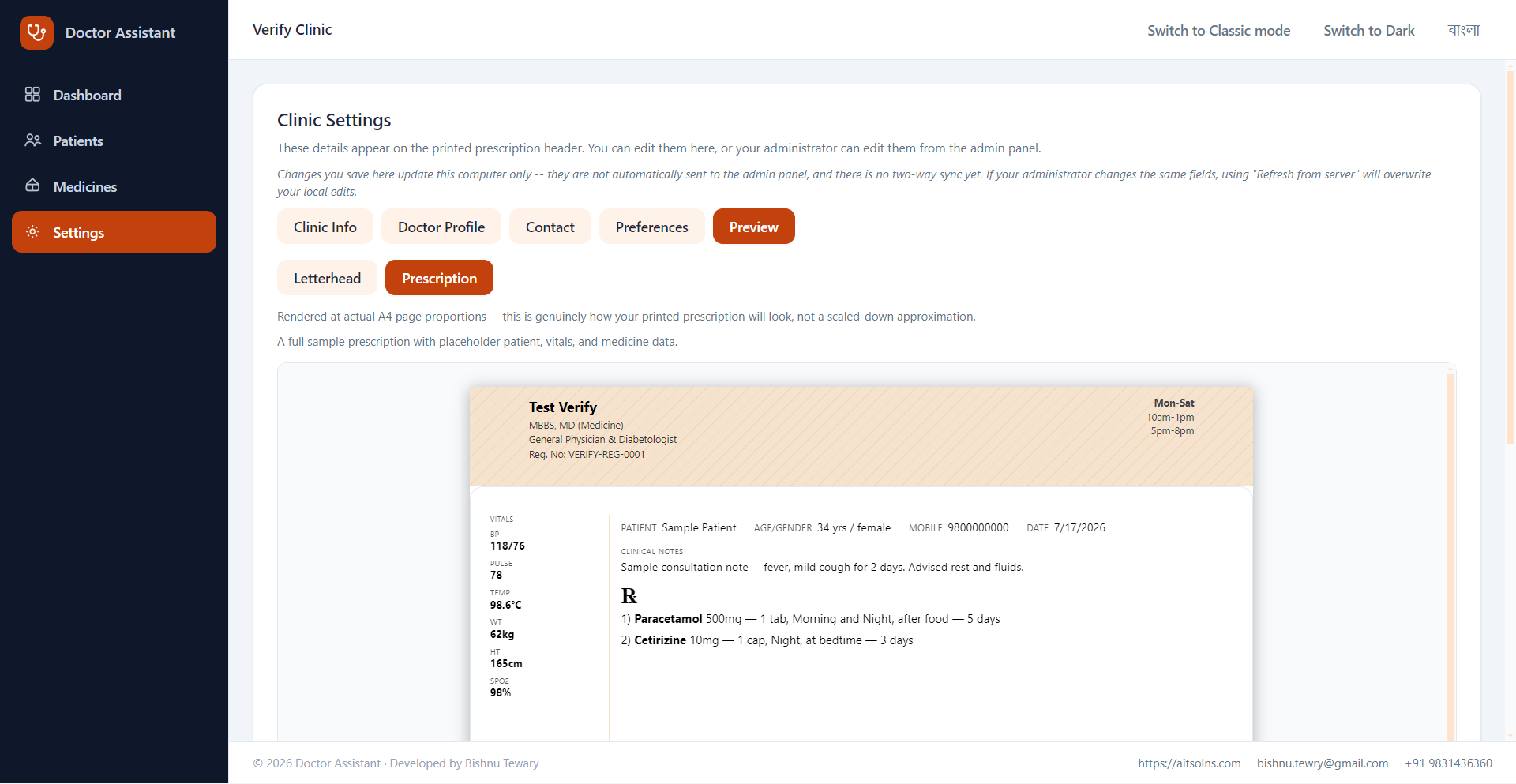
A4 print-accurate prescription preview with clinic letterhead, vitals, and medicines
Prescription preview. Rendered at real A4 print proportions, with your clinic's own letterhead — what you see is what prints.
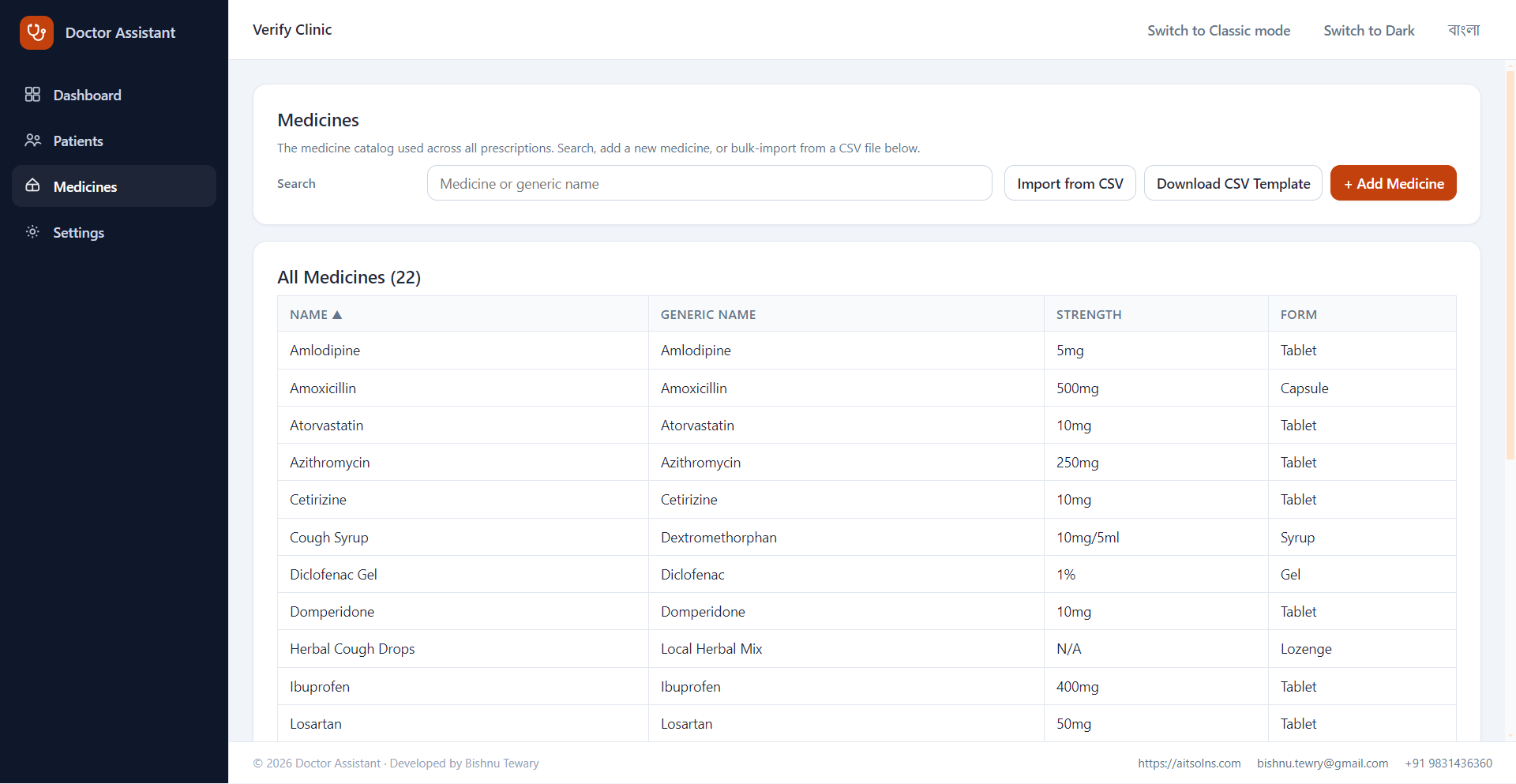
Medicine catalog listing with search, CSV import, and add-medicine
Medicine catalog. Search, add, or bulk-import your own medicines from a CSV — used across every prescription.
See the full walkthrough →

How to get started

Doctor Assistant is installed once on your clinic PC and runs offline from then on.

1

Contact us to set up your clinic

Self-service sign-up is coming soon — for now, reach out to us and we'll set up your doctor profile.

2

Receive your installer and provisioning code

We'll send you the Windows installer along with a one-time provisioning code tied to your clinic.

3

Install and activate

Run the installer on your clinic PC, then enter your provisioning code once — this requires an internet connection, but only for this one-time step.

4

Start seeing patients — online or offline

From here, Doctor Assistant runs entirely on your PC. No internet needed for day-to-day use.

Ready to bring Doctor Assistant to your clinic?

Doctor sign-up is launching soon. In the meantime, reach out and we'll get your clinic set up directly.

Contact us to get started